
How to make a banshawali
A banshawali is your family’s line of descent, written down. You can start one this week, even if today you know only your grandparents’ names.
What is a banshawali?
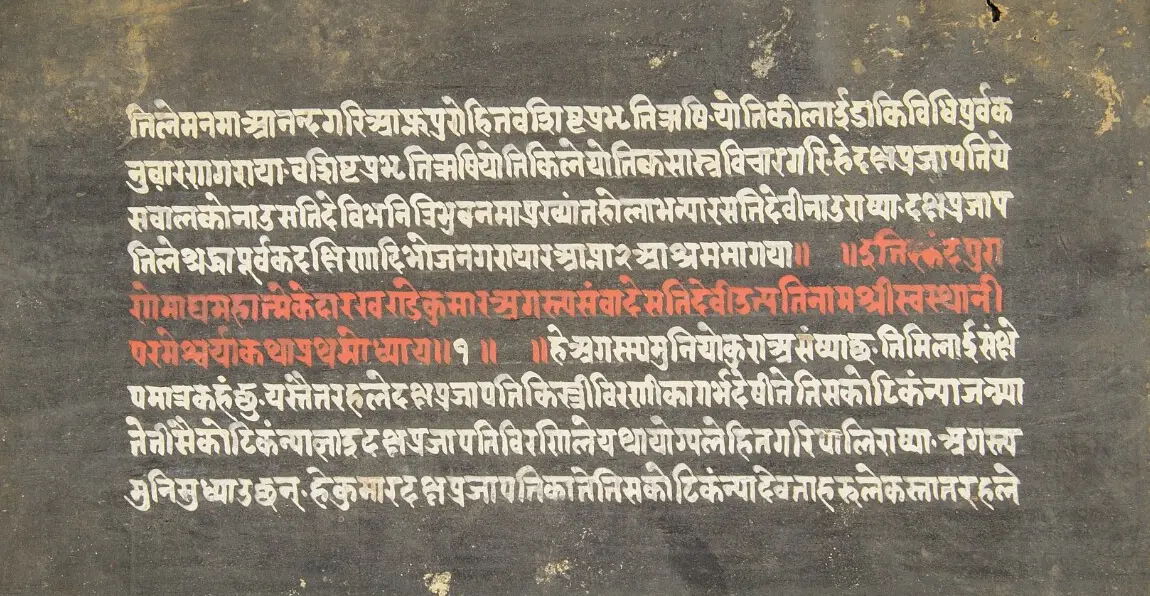
A banshawali (वंशावली) is the written record of a family’s descent. It starts from the मूल पुरुष, the oldest ancestor the family knows, and comes down through each generation to the children of today.
It shows who is whose child, who married whom and where the family came from. Many families keep it in a handwritten book that passes from one generation to the next.
Seven steps
1. Start with what you know
Write down yourself, your parents and your grandparents, with their brothers and sisters. A banshawali grows from the people you are sure of.
2. Ask the elders, soon
Grandparents remember names that no paper holds. Ask each elder for their parents and grandparents, where the family lived, its gotra and its kul devta. Write the answers down the same day.
3. Find the papers
An old family banshawali book, citizenship certificates, land papers and birth or marriage registrations often name a father or grandfather. Copy each name exactly as it is written.
4. Write each person the same way
For each person, keep the full name, the birth year in Bikram Sambat and the native place. For those who married into the family, keep their maiti thar. If you are not sure, say so. Do not guess.
5. Include daughters and wives
Many old banshawalis list only sons. Add daughters, wives and their maiti too, so that every grandchild can find their place.
6. Share it, so the family can correct it
One person rarely knows everything. Show the register to relatives and let them add what they know.
7. Keep a copy safe
Keep a printed copy and a digital copy. A book can be lost in a fire, a flood or a move, and a file can be lost with a phone.
Keep it online, free
Banshawali keeps your register online in Nepali or English, with Bikram Sambat dates and the word your family uses for each relative. Invite relatives to add what they know, or give them the family code so that they can look.
Export the whole register as GEDCOM on every plan, free. No plan can switch that off.